How to Do Invisible Text on Discord: Spoiler Tags and Unicode Methods
Sometimes you just want to invisible text on Discord. It could be a big spoiler from a movie or game. Or maybe you simply feel like sending a blank-looking message for fun. Discord lets you do both, but the ways are different.
First decide what you actually need.
If you want to cover normal words so people have to click to read them, use a spoiler tag.
If you want the message to look completely empty, use an invisible character instead.
Spoiler tags are the simple way
Discord already has a built-in tool for this. You don’t need any special codes or websites.
Open the chat and type your message as usual. Select the part you want to hide. Click Mark as Spoiler. Then send it. The text stays covered until someone clicks on it. Invisible Text Roblox
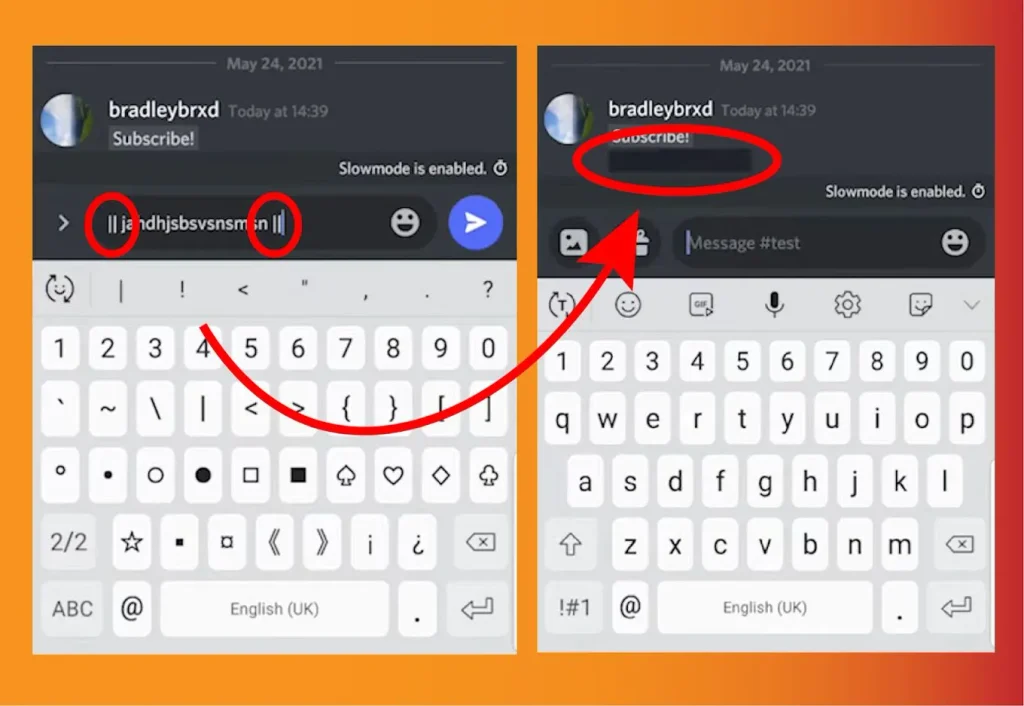
You can also do it faster without clicking anything. Just put two vertical lines on both sides of your text like this:
||This is hidden text||
As soon as you send it, Discord turns it into a spoiler. Anyone who wants to read it simply clicks the covered area.
This method works really well when you just want to hide a normal sentence or a longer message. The text is still there. People just can’t see it until they choose to.
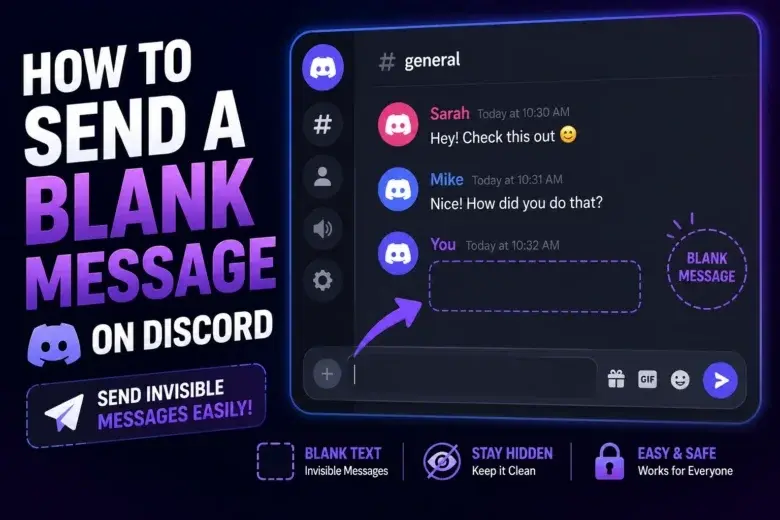
Making a blank message needs a different approach
This one is a bit trickier. If you press the spacebar a few times and try to send an empty message, Invisible Text on Discord often deletes those spaces. Regular spaces don’t always stay.
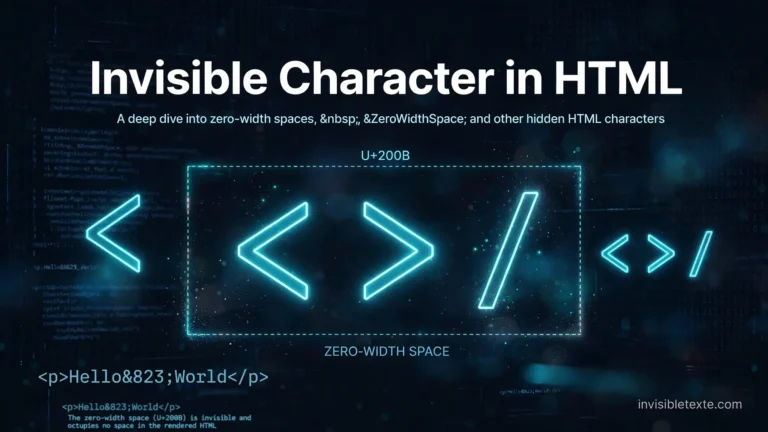
That’s why people use an invisible Unicode character. It’s a real character, but it looks like nothing when you paste it into the chat.
Some common ones people try are Hangul Filler, Braille Pattern Blank, and Zero-Width Space. They don’t all act the same. One might leave a small blank space. Another might have no width at all. Discord also treats them differently depending on where you paste them — in a normal message, a username, or even a channel name.
You don’t have to remember any codes. Just search for an invisible text generator online. Pick a character, generate a few of them, copy the result, and paste it into Discord. Then check how it looks. If nothing shows up or Discord removes it, try a different character. Some work better than others.
When to use each method
If you only want to hide a sentence so people don’t see it by accident, go with the spoiler tag. It’s simple and works every time.
If you want the message to look completely blank, or if you want to try something in a username, then the invisible character is the better choice. Just remember that not every character works the same way.
Why invisible text on discord sometimes doesn’t work
Not every invisible character works on Discord. Sometimes Invisible Text on Discord deletes it the moment you paste it. Sometimes a tiny symbol appears instead of blank space. And sometimes the username field simply rejects it.
If that happens, don’t worry. Just switch to another character and test it again. Always try it in the exact place you plan to use it — a normal message behaves differently from a username field.
Can you use it in a Discord username?
It depends on the character you choose. Some get accepted. Others get blocked right away. There is no single invisible character that works for every username.
The only way to find out is to copy one, paste it into the name field, and see what Discord does. If it rejects the character, try a different one until something sticks.
That’s pretty much everything you need. Spoiler tags are the quick and reliable way to hide normal messages. Invisible characters are the way to make something look empty. Just generate the character, copy it, paste it, and test it. If one doesn’t work, move on to the next. Different characters act differently on Discord, so a little trial and error is normal.