Invisible Text & Blank Text – Copy and Paste Invisible Characters
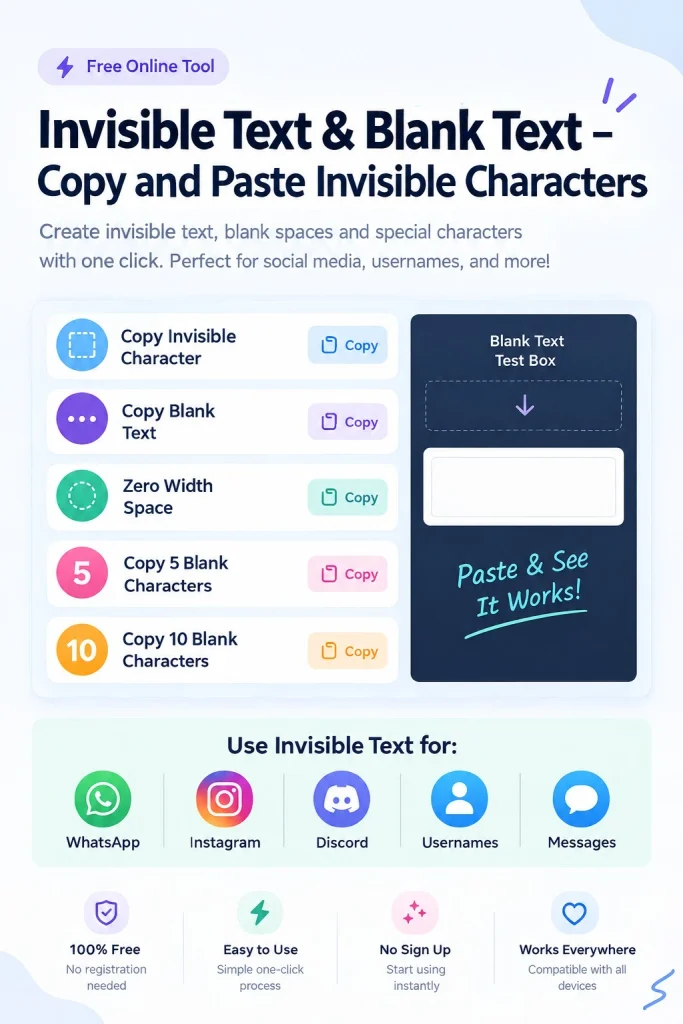
Want to send a blank message, create an invisible name, or add space to your profile? Invisible text lets you do all of this without typing complex Unicode characters yourself. Select a character type, choose how many characters you need, and instantly generate your blank text.
Then, copy it with a single click and paste it into Instagram, TikTok, Discord, games, messages, usernames, bios, or other text fields. You can also test your invisible text before using it. If one character does not work on a specific platform, simply try another option.
Quick Copy
One click to copy an invisible character to your clipboard.
Custom Generator
Generate unlimited blank characters. Set the amount and copy.
Test Area
Paste invisible text to verify it works. If grey text disappears, your blank character is working!
What Is Invisible Text?
Invisible text looks like space, but it is not actually empty. It is made up of special characters that your device can read, even when you cannot see them.
Some characters look like invisible space text. There are characters that take up very little space or are completely invisible. Yet, they remain part of the text, even if nothing is visible to us on the screen.
This is what makes invisible different from a space. Still, it contains a character there, and your device can read it as text.
There are various types of invisible characters. Each character functions slightly differently. Some characters may behave in different ways depending on the app or website. For more tips and useful information, visit our Blog.
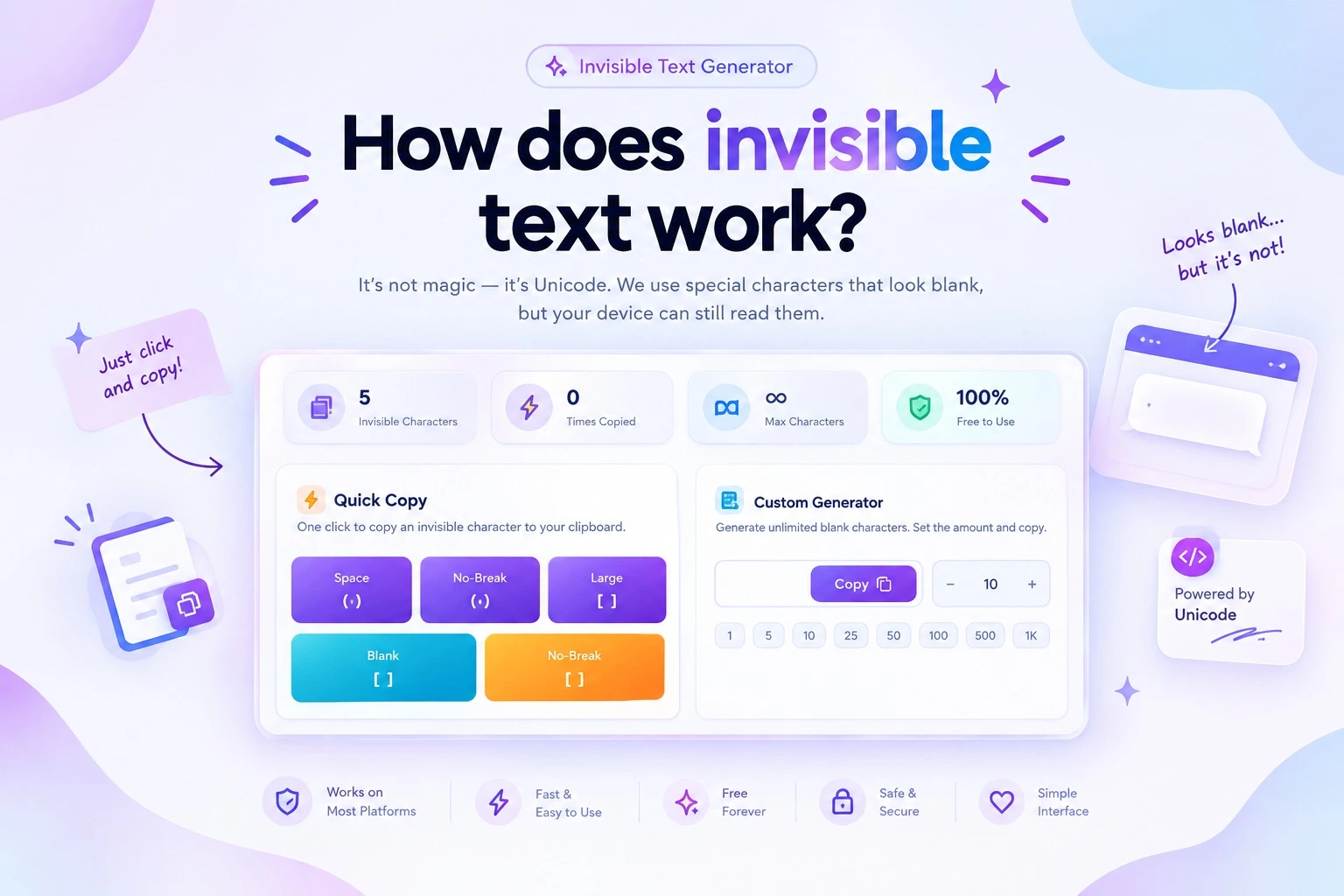
How does invisible text work?
You cannot see the character, but your device can still read it. This is because text is made up of special Unicode characters that function just like other characters in a text field.
Unicode Characters
The secret behind these characters is Unicode. It gives characters their own codes so that your phone, computer, or browser knows what each one is.
Unicode includes normal letters, numbers, and symbols. It also includes characters that look like a blank or have very little space. Your screen may show a space, while the system still reads a real character.
The Difference Between Blank Characters and Regular Spaces
A normal space is very simple. Whenever you press the spacebar, a space is created.
However, a blank-looking Unicode character is not the same as a standard blank space copy. It has its own character code, so some apps may interpret it as text, even in situations where a standard space would not work.
Why Invisible Characters Still Count as Text
Your screen may show an empty area, but your device can still read the character behind it. It can store it, move it, and sometimes count it as part of the text.
This is also why invisible characters may not work the same way everywhere. The result depends on the character and how the app, website, or browser handles it.
Types of Blank Text Characters
There are multiple ways to create texto invisible. Different Unicode characters can yield different results, so choosing the right character is important.
Invisible Character Types
Explore common Unicode characters used for invisible and blank text.
| Character | Unicode | Looks Like | Best For |
|---|---|---|---|
|
Aa
Hangul Filler
|
U+3164 | Blank | Names and blank text |
|
⠀
Braille Pattern Blank
|
U+2800 | Blank space | Blank-looking text |
|
↔
Zero-Width Space
|
U+200B | No visible gap | Between characters |
|
␠
No-Break Space
|
U+00A0 | Regular space | Keeping text together |
|
↔
EM Space
|
U+2003 | Wide space | Extra spacing |
Hangul Filler (U+3164)
The Hangul Filler is a common option for creating text that appears blank. It looks empty on the screen, yet it is a valid character that you can copy and use.
Braille Pattern Blank (U+2800)
The Braille Pattern Blank also appears empty but has its own unique Unicode code. It serves as a good alternative when a standard space does not meet your needs.
Zero-Width Space (U+200B)
The Zero-Width Space functions somewhat differently. It does not display any visible space on the screen. You can place it between characters without creating a visible gap.
No-Break Space (U+00A0)
Visually, the No-Break Space resembles a standard space. The difference lies in its function; it helps keep text together, preventing a line break at that specific point.
EM Space (U+2003)
Need more distance? The EM Space creates a wider gap than a standard space. It can be used to add extra spacing between words or different sections of text.
Other Unicode Blank Characters
These are just a few Unicode characters that can appear blank or create specific spacing. Other options might work better for you, depending on the app, website, or input field where you are using them.
How to Create Blank Text
How to send text with invisible? Creating text only takes a few simple steps. Pick the character that fits your needs, choose how many you want, and generate your blank text.
Choose a Character
Start by picking an invisible character from the available options. You can choose Hangul Filler, Braille Pattern Blank, Zero-Width Space, or another Unicode character.
Select the Character Quantity
Choose how many characters you need. A short blank text works for some fields, while other uses may need a longer string.
Generate and Copy
Click the generate option to create your text. Once it appears, copy the blank text with one click and keep it ready to paste.
Paste and Test
Paste the blank text into your username, message, bio, comment, or other text field. If the platform does not accept it, try another character and test it again.
Where Can You Use Invisible Text?
You can use text invisible in more places than you might imagine. From social media profiles to usernames and messages, blank-looking characters can help in different ways.
Need extra space in your invisible text for instagram bio or profile? Try using an invisible character to create a blank-looking gap. You can also test this in names, captions, or other text fields.
TikTok
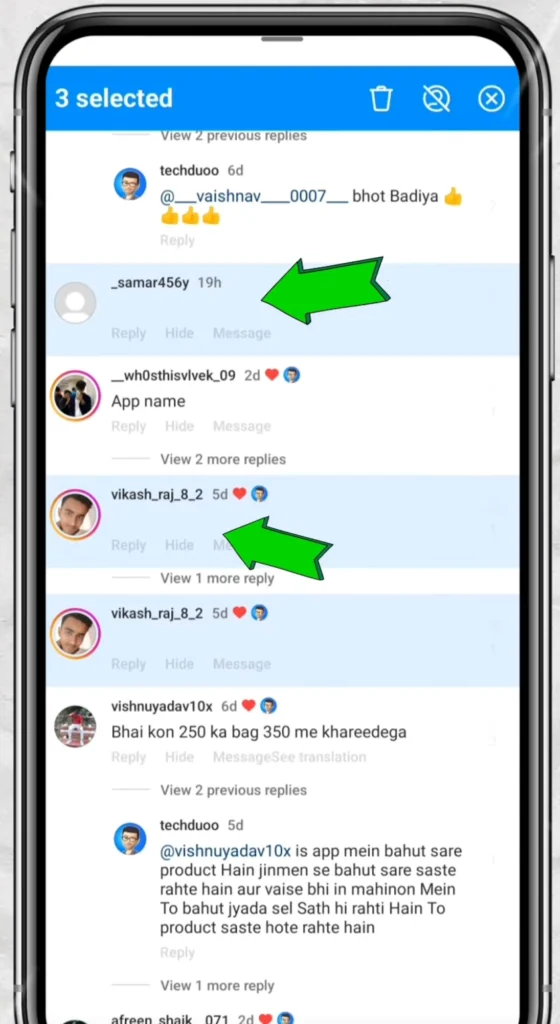
Invisible character works in TikTok profiles and other text areas. Test first to see how invisible text for tiktok displays it.
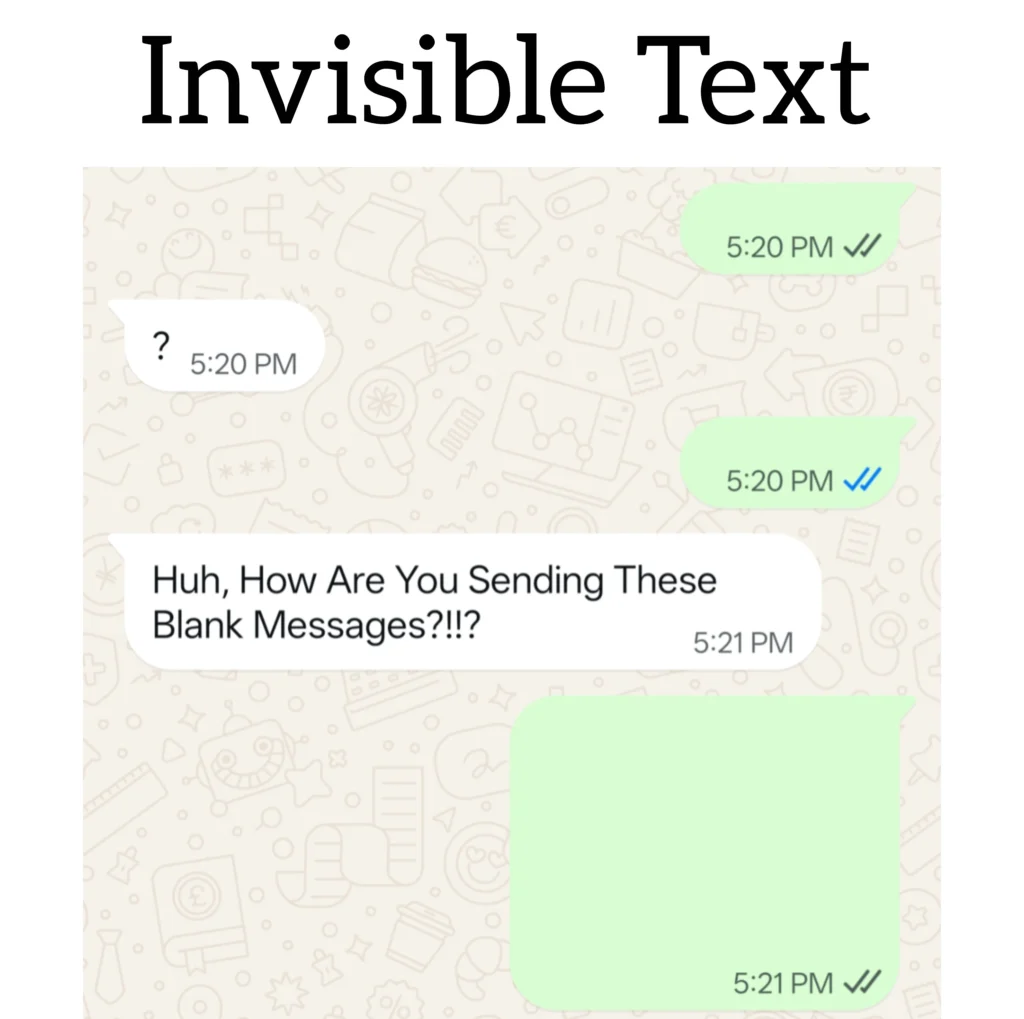
Want a message that looks blank? Paste invisible characters into WhatsApp messages. The result depends on the character and how the app handles it.
Social Media Bios and Profiles
Blank-style characters can give your profile a clean look. Add them to your bio or use them to separate different sections.
Messages and Comments
Messages, replies, and comments can also use blank text. It gives you another way to create spacing when regular spaces do not work.
Forms and Text Fields
Some forms treat Unicode characters differently from regular spaces. Paste the invisible letter into the field and check the result before submitting.
Formatting and Spacing
Different Unicode characters create different gaps and layouts. Choose the option that matches the spacing effect you want.
Invisible Character Types
There is more than one way to create blank text. Different Unicode characters can give you different results, so choosing the right one can make a difference.
Hangul Filler (U+3164)
Hangul Filler is a popular choice for blank-looking text. It appears empty on the screen while still giving you a character to copy and use.
Braille Pattern Blank (U+2800)
Braille Pattern Blank also looks empty, but it has its own Unicode code. It can be a useful option when a normal space does not give you the result you need.
Zero-Width Space (U+200B)
Zero-Width Space works differently because it does not show a visible gap. You can place it between characters without adding normal spacing.
No-Break Space (U+00A0)
No-Break Space looks like a regular space at first glance. The difference is how it handles text, especially when a line should stay together instead of breaking at that point.
EM Space (U+2003)
Need a bigger gap? EM Space creates more space than a regular space. It can help when you want extra room between words or parts of your text.
Other Unicode Blank Characters
These are only a few of the Unicode characters that can look blank or create special spacing. Other options may work better depending on the app, website, or field where you want to use them.
Invisible Text for Usernames and Gaming
A username does not always need visible letters to stand out. Invisible characters can help you create a blank-looking name or add a different style to your gaming profile.
Invisible Names
Want a name that looks empty? You can use an invisible character to create a blank-looking username. The result depends on what the app or game allows.
Blank Usernames
Some platforms may accept a username made with blank-looking Unicode characters. You can generate one, copy it, and test it before you save the name.
Gaming Platforms
Games and gaming platforms handle special characters in different ways. Some may accept invisible characters, while others may remove or block them.
Character Compatibility
Not every invisible character works on every platform. A character that works in one game may fail in another. Try different Unicode options and test the result before choosing your final name.
Invisible Text Compatibility
Have you ever copied invisible character, but it did not work? Don’t worry. You did nothing wrong. Different apps, websites, and devices may handle Unicode characters in different ways.
| Where You Use It | What to Expect |
| Depends on the character | |
| TikTok | Test before use |
| Discord | Some characters may work |
| Games | Rules can vary |
| Forms | Some fields may reject it |
Why Some Platforms Accept It
Some platforms support certain Unicode characters in usernames, messages, bios, or text fields. If the platform supports the character, your blank-looking text can stay there.
Why Some Platforms Remove It
Other platforms may remove or block special characters. You may also change them before they appear on the screen. That is why a character may disappear after you paste it.
Character and Platform Differences
The character you choose is also important. One invisible character may work in a username, while another may work better in a message or text field.
Browser and App Differences
You may also get different results in an app and a browser. The same blank text may work in one place but not in another.
Always Test Before Using
Generate your text invisible, copy it, and test it where you want to use it. If the character does not work, try another one from the generator.
Bilkul. Is section mein user ka actual problem → quick reason → simple next step flow rakhna best hai. Ye homepage ke liye final version hai:
Invisible Text Troubleshooting
Hidden text does not always work on the first try. A small change in the character can often fix the problem. Here are some common issues and what you can try.
Character Does Not Work
Did you paste the texto invisible, but nothing happened? The platform may not support that character. Try generating a different Unicode character.
Platform Removes the Character
Some apps and websites remove special characters when you paste or save text. Test another character to see whether the platform keeps it.
Blank Text Appears Visible
Not every blank-looking character looks the same on every device. If you see a mark or gap that you did not expect, try another character from the generator.
Username or Field Rejects It
A username or text field may block certain Unicode characters. Try a different option and test it before saving or submitting.
Try Another Unicode Character
Still not working? Do not give up on the text. Choose another Unicode character, generate a new string, and test it again. Different characters can give different results.
Blank Text vs. Regular Space, CSS Hidden Text, and Encryption
Blank text may look blank, but it is not the same as a regular space or hidden code; each functions differently.
Invisible Text vs. Regular Space
A regular space is produced by your spacebar.Text Invisible uses a Unicode character that appears blank. This distinction becomes important when a platform does not accept a normal space.
Texto invisible vs. CSS Hidden Text
CSS can hide text on a webpage. The text may remain in the page code, even though visitors cannot see it. Texto invisible functions through Unicode characters embedded within the text itself.
Text Invisible vs. Encryption
Invisible characters do not protect private information; it merely makes certain characters difficult to see. Encryption, on the other hand, transforms data into a secure form so that others cannot easily read it.
Which One Should You Use?
If you need blank-looking text or an invisible name, use an invisible Unicode character. If you need to hide something on a webpage, CSS can help. If you need to secure private data, use encryption.
Is Invisible Text Safe?
Can an invisible character really be safe when you cannot even see it? In most cases, yes. Invisible Unicode characters that work like other text on your phone or computer.
Can Hidden Text Harm My Device?
No. A normal invisible character does not harm your phone or computer. You can generate, copy, and paste it just like any other text.
Can I Use It Anywhere?
Not always. Some apps, websites, games, and forms may block, change, or remove certain characters. The same text invisible may work in one place but not in another.
Use Blank Text Responsibly
Invisible characters work well for blank-looking names, spacing, profiles, messages, and text fields. Use it for simple tasks. Do not use it to deceive people, hide harmful content, or break platform rules.
Accessibility and Responsible Use
Blank text may appear blank on your screen, but it will not necessarily look the same to everyone. Some users and tools may read or handle these characters differently, so use them with care.
Think About Accessibility
Screen readers and other assistive tools can handle invisible characters in different ways. A name or message that appears blank might not seem empty to a person using a screen reader.
Keep Important Text Visible
Do not use invisible characters to hide important words, instructions, or information. Keep useful content clear and simple to ensure it is easy to read.
Use It for the Right Purpose
Texto invisible is useful for simple tasks, such as spacing, blank-looking names, profiles, and text fields. Use it for a practical purpose, not to confuse others.
Check Before You Share
Test your text before you post or send it. Make sure it looks and functions on the platform exactly as you intend.
Why Use Our Invisible Text Generator?
Do you need hidden text without any extra steps? Our Invisible Text Generator helps you quickly create, copy, and test blank-looking text.
- Free to Use: Create blank text whenever you need it. There is no cost to use this tool.
- No Installation: Use the Invisible Text Generator directly in your browser; no need to download.
- Multiple Character Options: Try out various Unicode characters and select the one that suits your needs
- Adjustable Character Count: Choose exactly how many invisible characters you want in your text.
- Copy and Paste: Copy your generated text in one click and paste it into a username, bio, message, or text field.
- Built-In Testing: Test your invisible before using it to see how the characters work.